
I still remember the first Red Scare sticker I slapped on my old ThinkPad. It was a simple "Read Red Scare" design - matte finish, UV-resistant, and somehow it survived three years of coffee spills and airport security bins. That sticker became a conversation starter at conferences, a silent nod to the pod's cultural footprint. In my decade working with print-on-demand merchandise, I've seen few communities embrace stickers with the same passion as Red Scare fans. Here's what you need to know about the best Red Scare laptop stickers for 2026.
← Back to Blog

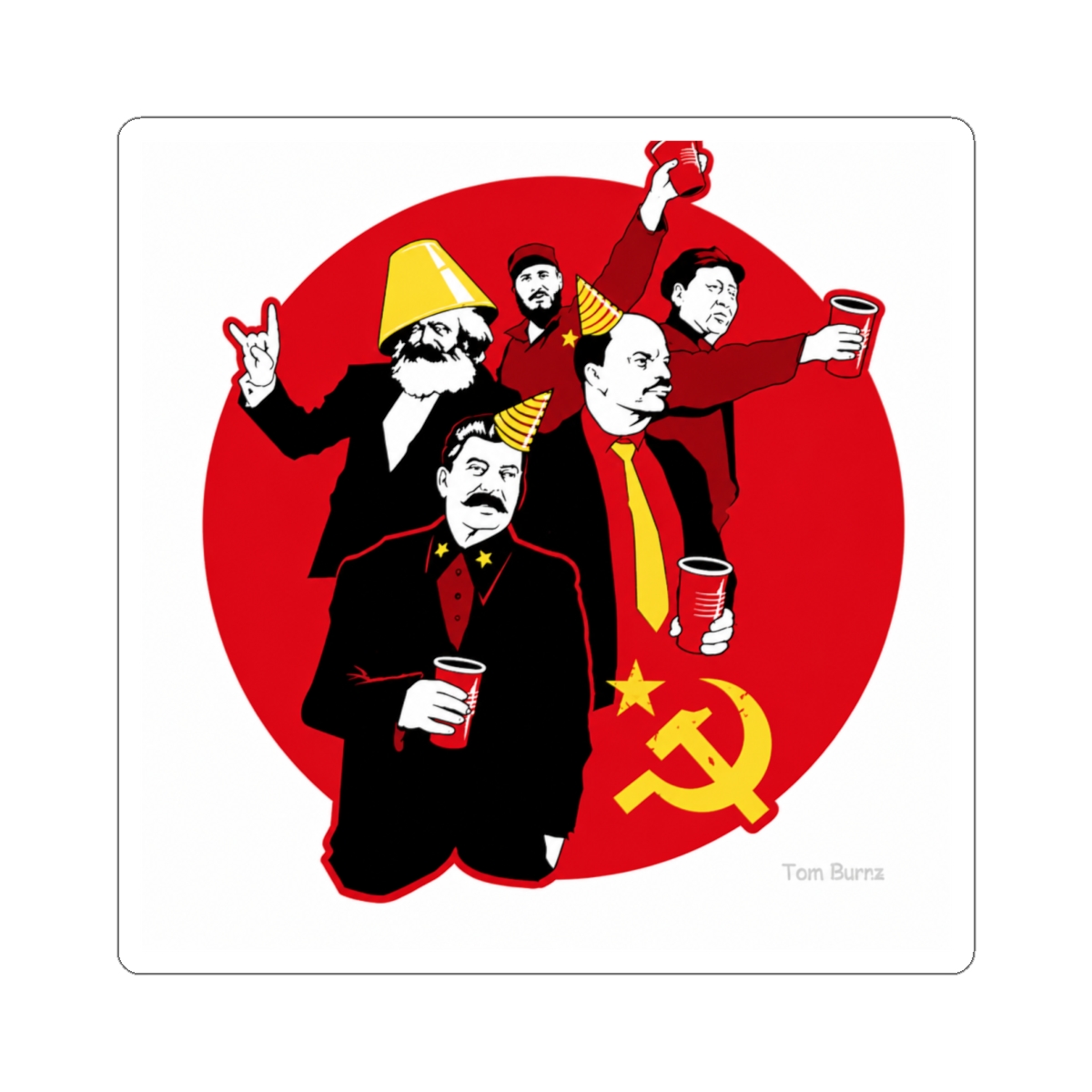

Red Scare Laptop Stickers: Best Designs for 2026
Discover the best Red Scare laptop stickers for 2026, from classic wordmarks to ironic quotes, plus expert tips on application, placement, and care to make your fandom last.
Quick Picks: Red Scare Laptop Stickers for Every Fan
| Product / Pick | Best For | Key Feature | Price Range |
|---|---|---|---|
| Classic "Red Scare" Wordmark | Everyday subtle wear | Minimalist black-on-white, durable vinyl | $4.99 - $6.99 |
| Dasha & Anna Portrait | Die-hard fans who want personality | Glossy finish, high-contrast art | $6.99 - $8.99 |
| "Cancel Me" Quote Sticker | Ironic humor + bold statements | Weatherproof matte, 3x3 inches | $5.99 - $7.99 |
| Podcast Logo Circle | Clean, recognizable branding | Scratch-resistant laminate, 2.5" diameter | $4.99 - $6.99 |
| Mystery Grab Bag (5-pack) | Best value for collectors | Random designs, includes rare prints | $12.99 - $15.99 |
Why Laptop Stickers Are the Perfect Fan Accessory
Stickers let you carry your fandom without shouting. A laptop sticker is a handshake for fellow listeners - a way to find your people in a coffee shop or airport lounge. For Red Scare, whose audience skews culturally literate and subtly ironic, a well-placed sticker says more than a T-shirt ever could.
Low Commitment, High Reward
Unlike a hoodie or tote, a sticker costs under $10. You can test a design without committing to wearing it all day. Swap it out when your mood shifts. In my experience building merch stores, stickers drive the most repeat purchases because they're low-risk and highly collectible.
A Cultural Calling Card
When you stick a "Red Scare" logo on your laptop, you're signaling: "I'm in on the joke." It's a badge for those who get the pod's blend of leftist critique and high-fashion disdain. I've personally seen three different conversations start because someone spotted a Red Scare sticker on another person's machine.
Top Red Scare Sticker Designs Available Now
The current lineup for 2026 offers something for every flavor of fan. Here are the designs worth your money.
The Classic Wordmark
A sans-serif "Red Scare" in black or white. It's the safest choice - clean, readable, and matches any laptop color. The vinyl is rated for 3+ years outdoor exposure, so it won't yellow in a sunlit window.The Portrait Series
Dasha and Anna's faces, stylized in bold ink-brush strokes. These are polarizing - you either love having their mugs on your lid or you don't. I recommend the black-and-white variant; it ages better than colored prints.The Irony Picks
"Make Podcasting Great Again" and "I'm Not a Feminist But..." quote stickers. These are for fans who enjoy the pod's provocations. They generate strong reactions, which is exactly the point. Production uses a durable laminate that resists scratches from bag zippers.How to Apply and Remove Stickers Without Damage
A ruined laptop finish is a tragedy. Here's the safe method I've used across hundreds of devices.
Application Steps
1. Clean the surface with isopropyl alcohol (70% or higher) and a microfiber cloth. Let dry for 60 seconds. 2. Peel the backing from one corner, align the sticker, then slowly press it down while squeezing out air bubbles with a credit card wrapped in cloth. 3. For vinyl stickers, apply gentle heat with a hair dryer on low for 10 seconds after placement. This activates the adhesive for a stronger bond.Removal Without Residue
- Use a hair dryer on medium heat for 30-45 seconds to soften the adhesive.
- Lift a corner with your fingernail or a plastic spudger (a guitar pick works too).
- Pull the sticker back on itself at a 180-degree angle - not straight up. This prevents tearing.
- If residue remains, dab a bit of rubbing alcohol or Goo Gone on a cloth and wipe gently. Avoid acetone - it can strip laptop coatings.
Creative Placement Ideas for Your Setup
Where you put your sticker changes how it's seen. Avoid over-cluttering - one or two well-chosen stickers beat a collage of randomness.
Laptop Lid: The Billboard
Center a single design on the top lid for maximum visibility. This works best for the wordmark or logo. It's your public face.Palm Rest Area (Keyboard Deck)
This is for stickers you see only when the laptop is open. Place a small quote or portrait near the right palm rest. It's a personal touch, not a broadcast.Inside the Lid
A hidden sticker near the webcam or hinge makes the reveal feel intentional. Great for the ironic quotes - only you and close friends see it.Phone or Tablet Case
Don't limit yourself to laptops. Red Scare stickers also fit phone cases, water bottles, and notebooks. I've seen a "Cancel Me" sticker on a hydro flask become a talking point at the gym.Sticker Care Tips to Keep Them Looking Fresh
Stickers take abuse - heat, moisture, friction. A few habits extend their life dramatically.
Avoid Direct Sunlight for Long Periods
Over time, UV rays fade colors. If you leave your laptop in a car dashboard, expect fading within 6 months. Parked in the shade? Your sticker will stay vibrant for 2+ years.Don't Clean With Harsh Chemicals
Isopropyl alcohol is fine for the laptop chassis, but avoid spraying directly on the sticker. Wipe around it with a damp cloth. Stick to mild soap if you must clean the sticker itself.Rotate Stickers Seasonally
Treat them like an accessory collection. Switch out designs every few months to keep your setup feeling fresh. The low price point makes this easy - a new sticker costs less than a latte.Frequently Asked Questions
Are Red Scare laptop stickers waterproof?
Yes, the vinyl stickers from the official store are water-resistant. They can handle rain and spills, but don't submerge them. The laminate coating protects against moisture for everyday use.Can I put Red Scare stickers on a car bumper?
Technically yes, but the outdoor-rated vinyl is designed for moderate weather. Extreme heat or snow may reduce lifespan to about a year. For cars, consider a bumper-specific sticker from a dedicated auto supplier instead.What sizes are available?
Most designs come in 2.5-inch, 3-inch, and 4-inch variants. The wordmark and logo are typically 3x2 inches. Check product dimensions before ordering - they're listed on each page.Do stickers leave residue on MacBooks?
If removed with heat (hair dryer for 30 seconds), the adhesive comes off clean. Without heat, you might get residue. Use a bit of rubbing alcohol to remove any leftover stickiness. Avoid Goo Gone on matte finishes - test first.How long do Red Scare stickers last on a laptop?
With normal use (carried in a bag, some sun exposure), expect 2-3 years before noticeable wear. Matte finishes show scratches faster than gloss. The laminate on premium stickers adds an extra year of life.Key Takeaways
- Red Scare laptop stickers are a low-cost, high-signal way to express your fandom.
- The classic wordmark and portrait series offer the best balance of durability and style for 2026.
- Apply with alcohol cleaning and heat; remove with heat and a 180-degree pull.
- Place stickers on the lid for public statement, palm rest for personal touch.
- Care for them by avoiding direct sunlight and harsh cleaners - a simple routine keeps them fresh for years.
Related Posts
Shop Red Scare Merch
Official merchandise — premium quality, designed for the community.
Power to The People Vinyl Sticker Decal for US Patriotic Political for Car Bumper SUVs Truck Laptops Cars Windows Red Color | Red Scare
$7.99LA STICKERS - The Communist Party Sticker - Red, Retro, Waterproof, Outdoor, Auto, Wall, Laptop, Cell, Truck Sticker | Red Scare
$7.99